Flexo plate ganging
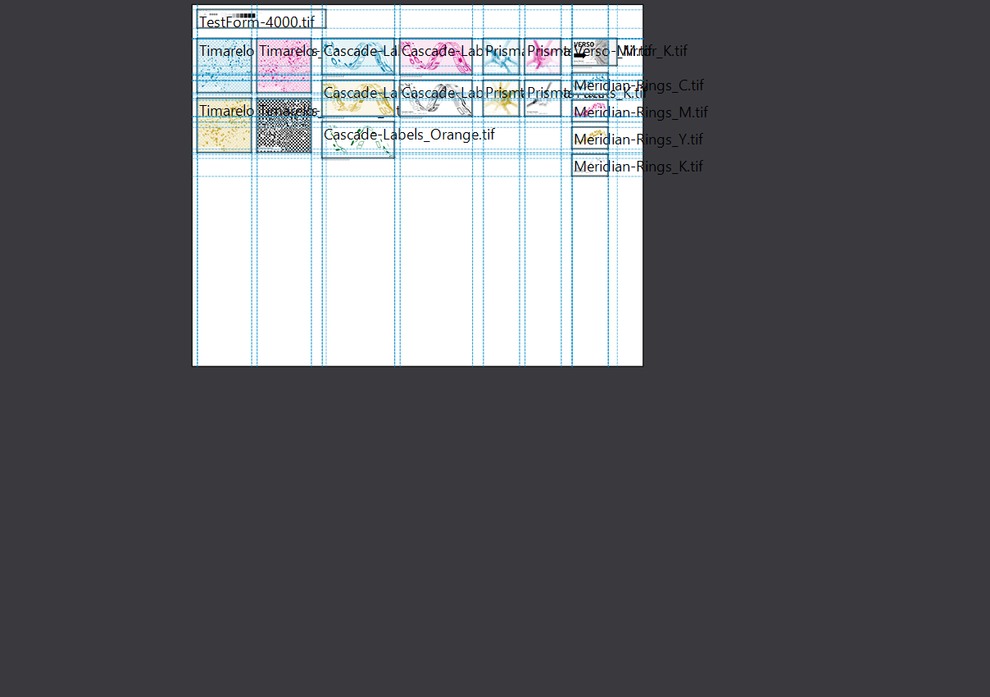
Timarelo gangs 1-bit screened flexo plate TIFFs onto one plate and exports a single composite TIFF for the platesetter.
A plate that prints wrong costs far more than a plate that is refused.
Request a trial See the demo filesLoad the 1-bit screened TIFF separations from your RIP, or LEN (*.len) files, which Timarelo converts on import.
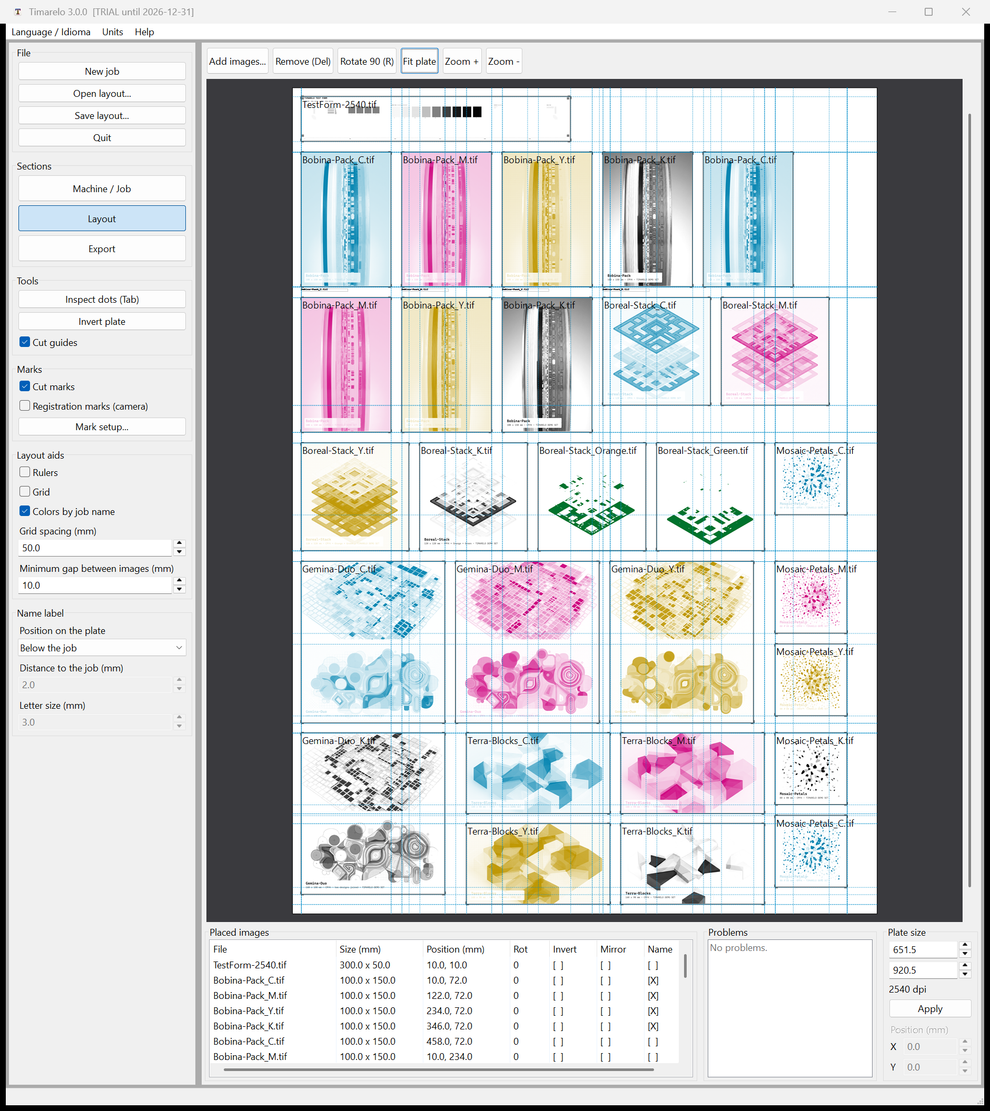
Place the jobs on the plate. Drag, snap, rotate 90 degrees, mirror, or let auto-place find the first free spot for you.
Export one composite TIFF. Timarelo verifies the exported file and refuses to hand over anything it cannot prove correct.
Timarelo never resamples your data. Every source pixel lands on the plate exactly as the RIP produced it.
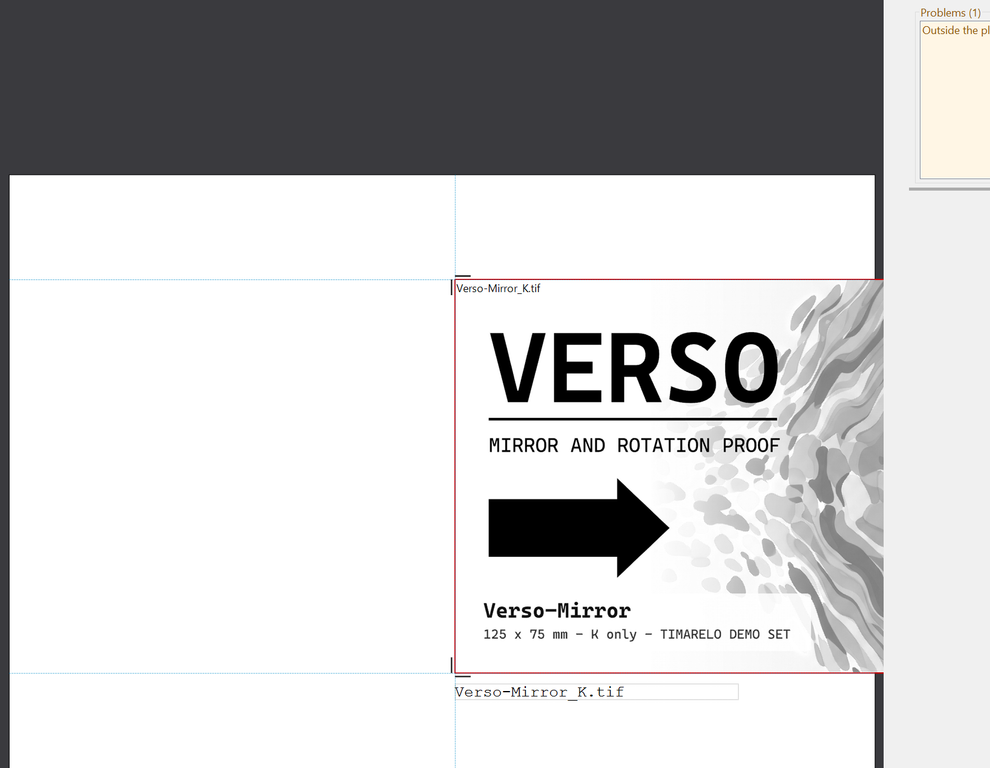
Drag, snap, rotate 90 degrees, mirror, and auto-place. Overlaps and jobs outside the plate are detected and listed as problems before export.
An exact resolution match is placed 1:1. An exact half resolution is doubled 2x, pixel for pixel. Everything else is refused, with the reason stated. No resampling, ever.
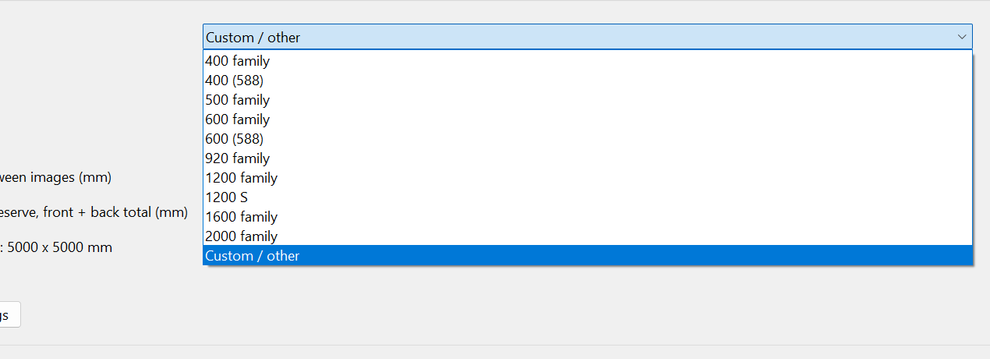
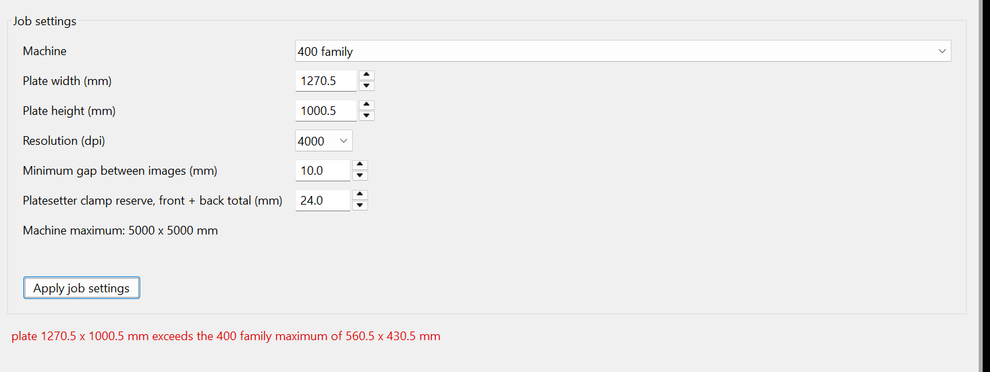
Preset plate families from 400 to 2000, plus custom sizes up to 5000 x 5000 mm. An advisory fit check warns when a plate will not load in the platesetter.
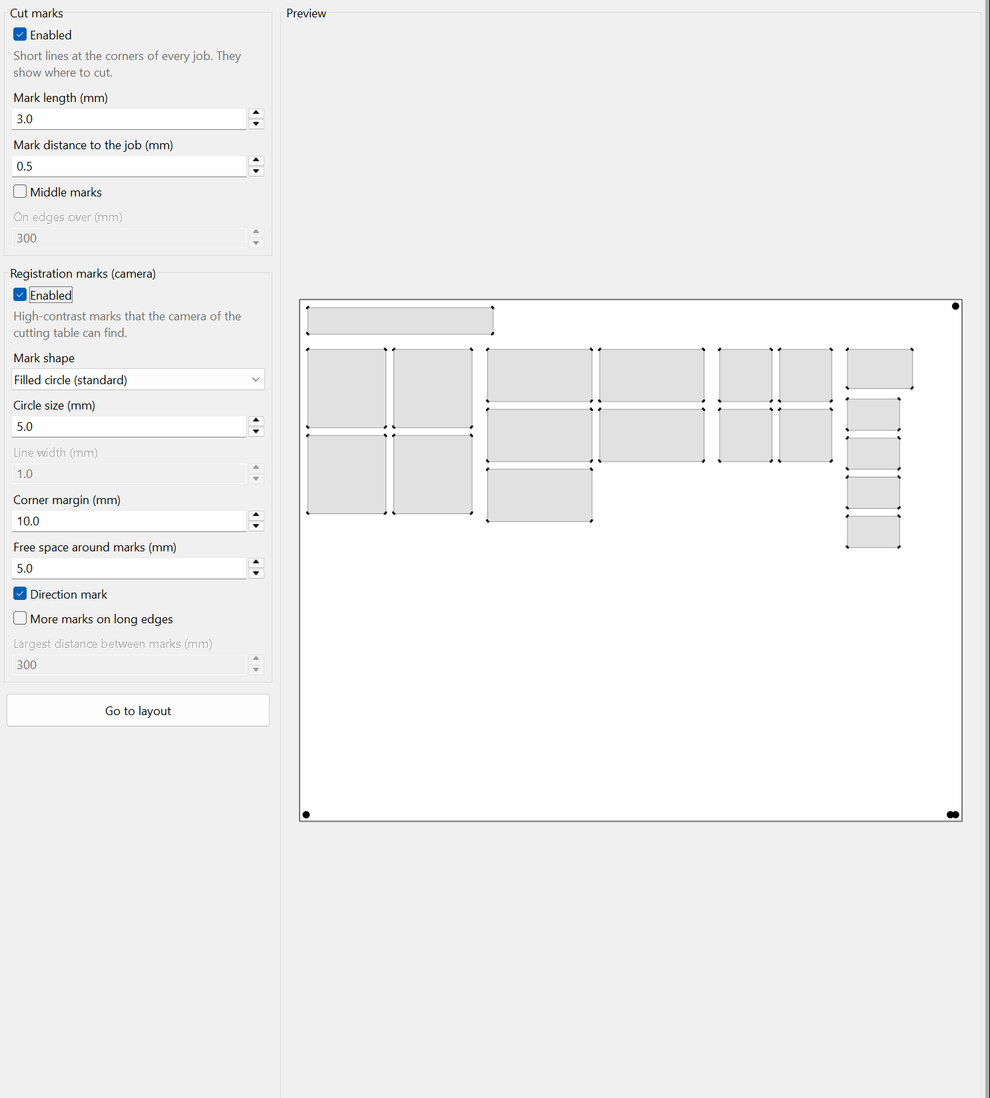
Corner cut marks plus camera registration marks in three shapes: circle, ring, and cross. A dedicated setup page shows a live preview with exact dimensions.
Each job can carry its file name, rendered into the plate raster. Four positions, adjustable distance and letter size, always right-reading.
Rulers, grid, minimum gap warning, cut guides, and a separation colour view that tints each job C, M, Y, K, or spot from its file name.
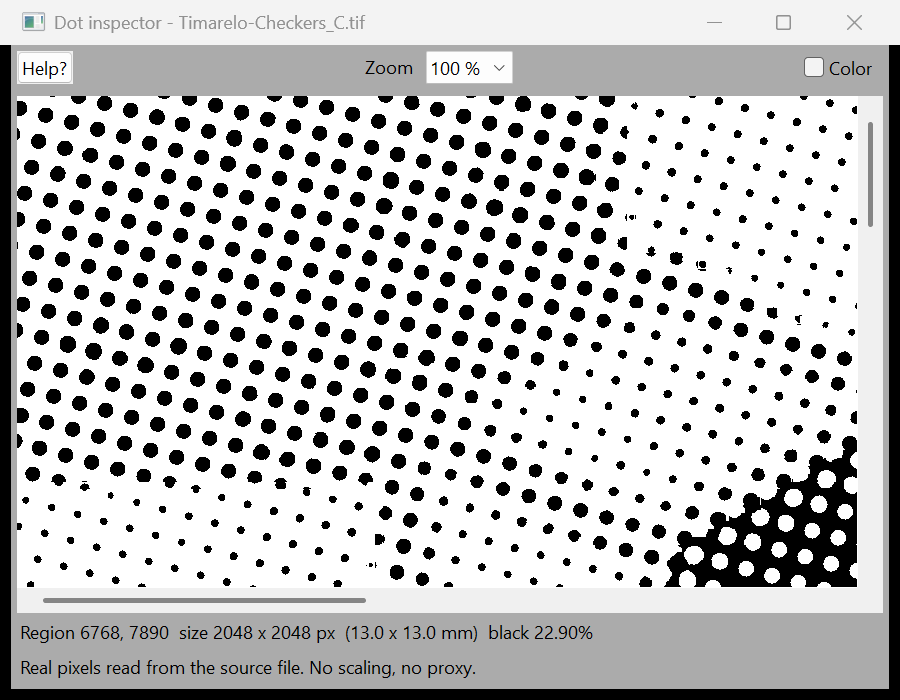
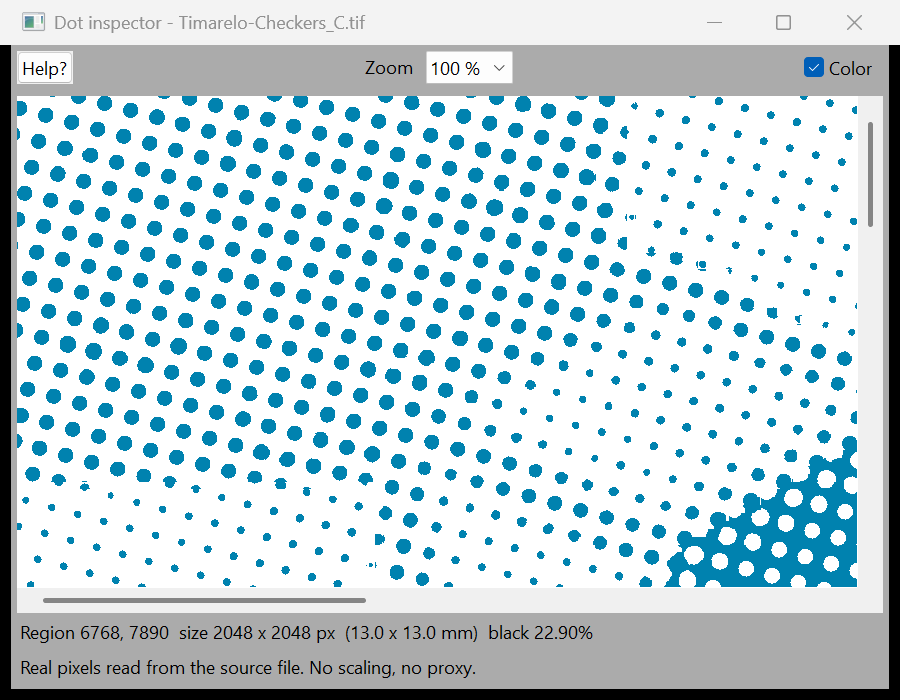
View the real plate pixels from 25 to 800 percent. Check the actual screened dot, the marks, and the labels before you image the plate.
Invert single files or export the whole plate as a negative, marks included. Layouts are saved as .layout.json files and every file is re-checked on open.
Timarelo makes no network connection at all. Licences are offline files. It runs inside closed prepress networks without any changes.
Verified export
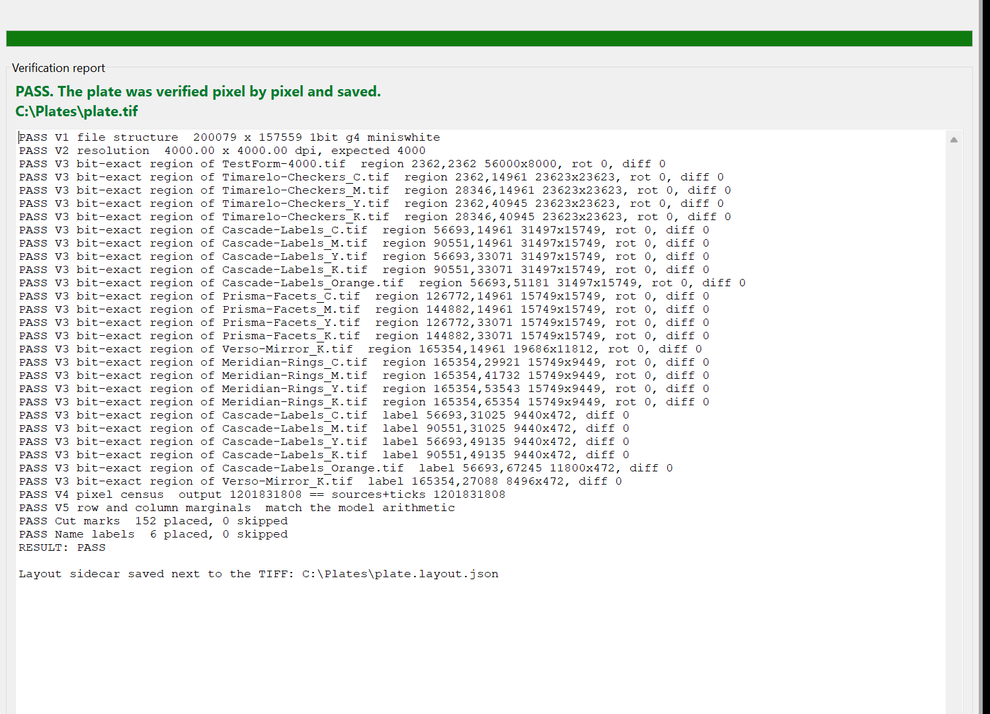
After export, Timarelo reads the file back from disk and runs five independent checks. If any check fails, Timarelo deletes the file. If all pass, it writes a verification report and a layout sidecar next to the plate. An unverified plate can never reach the platesetter.
File structure. The exported TIFF is opened again and its structure is checked field by field.
Resolution. The plate resolution must match the job resolution exactly.
Bit-exact compare. Every placed region is compared bit by bit against its re-decoded source file.
Pixel census. The number of black pixels must equal the model arithmetic.
Marginals. Row and column sums are checked as an independent second proof.
LEN import of a 2.6 gigapixel file. 55 to 63 times faster than the previous generation tool.
Export plus full verification of an 8 gigapixel plate. 9 to 22 times faster.
A 31.5 gigapixel plate, exported and verified, in about eight seconds.
No special graphics hardware is needed. Timarelo uses graphics acceleration when it is available and produces identical results without it.
Download real ripped 1-bit plate separations and test them in Timarelo. Without a licence, everything works except export, so you can evaluate the complete workflow free of charge. All files are original artwork created for this demo set.

A full ganging session at 4000 dpi.
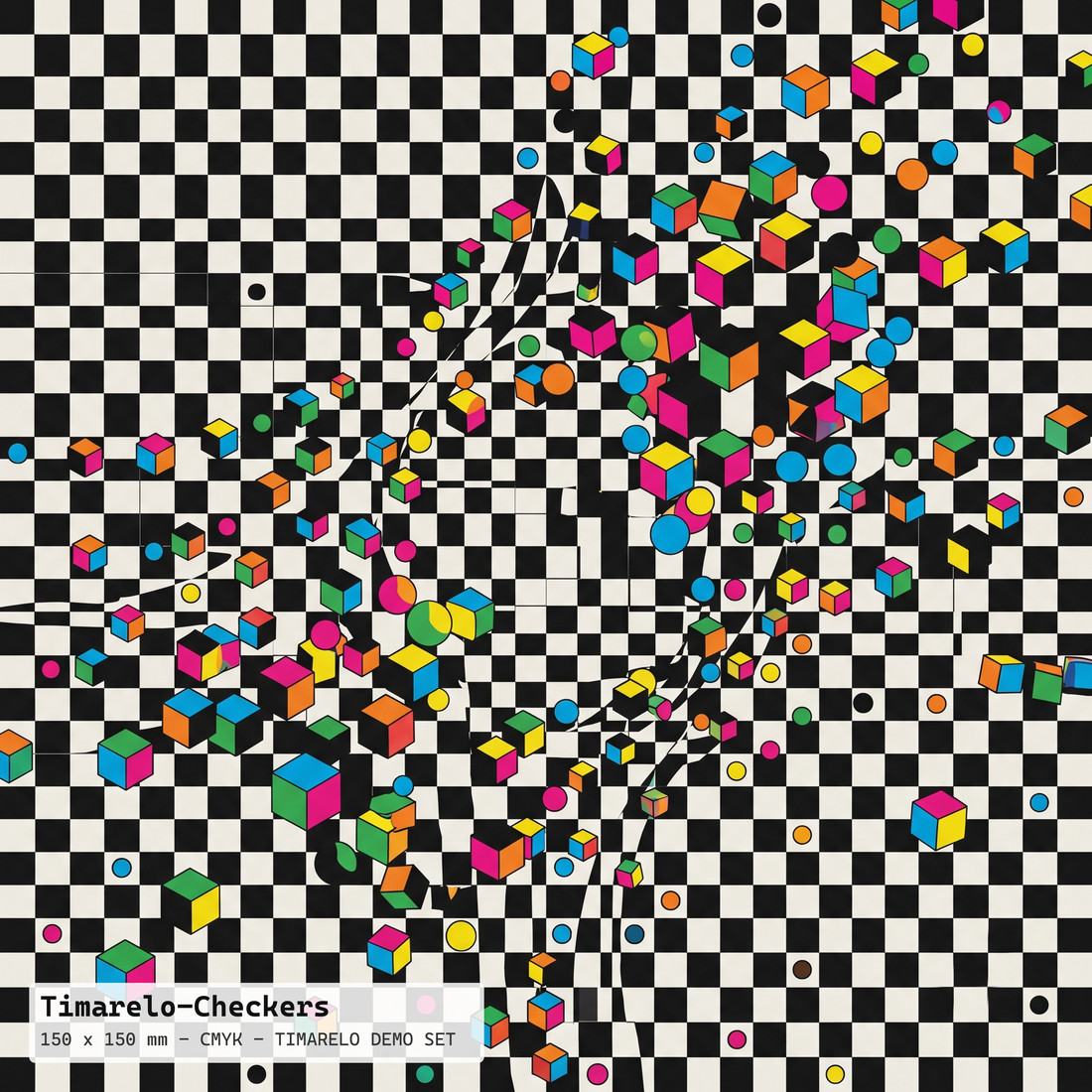
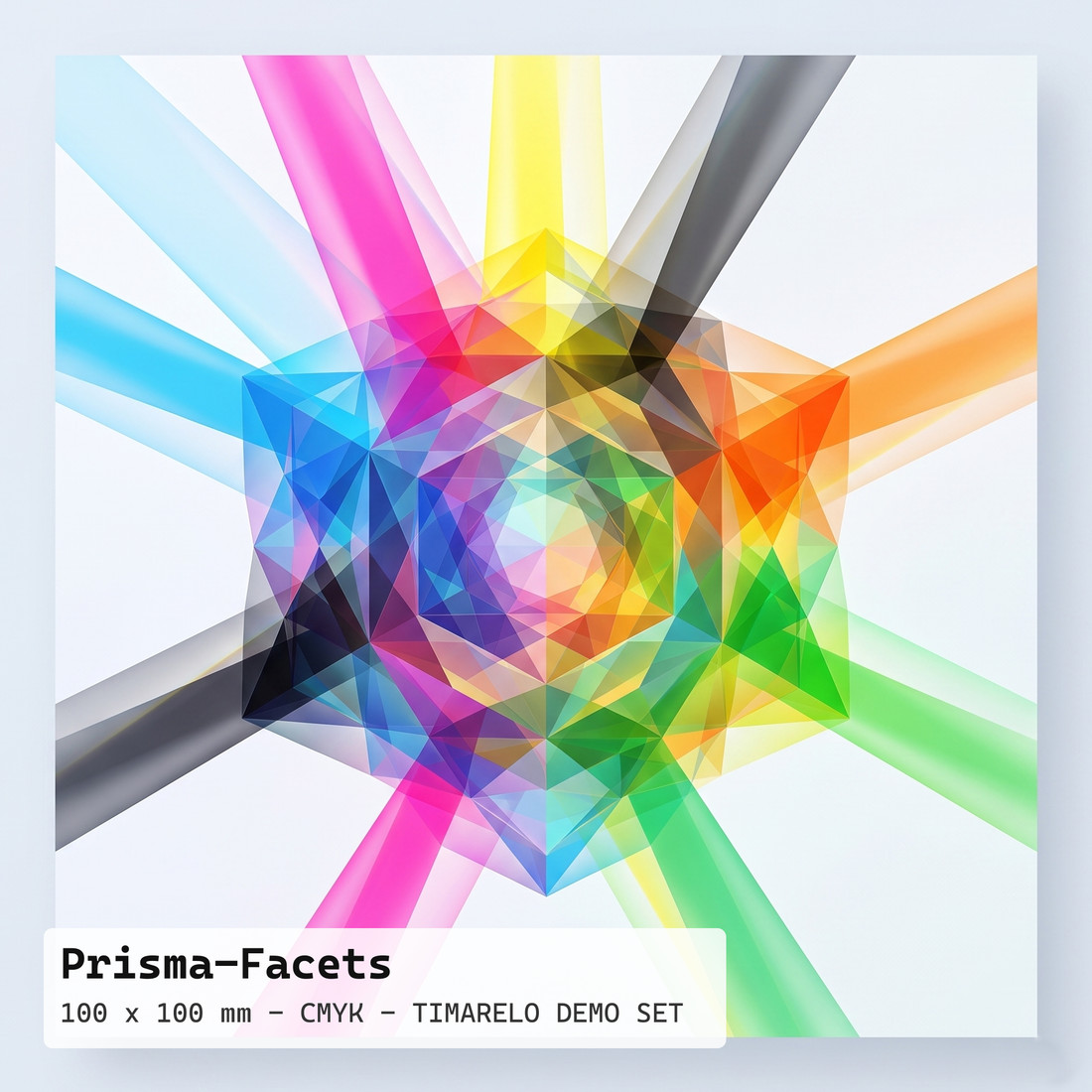
5 jobs, 18 separations: Cascade-Labels (CMYK plus an Orange spot), Timarelo-Checkers, Meridian-Rings, Prisma-Facets, and Verso-Mirror.

A second machine family at 2540 dpi, including extra spot separations.
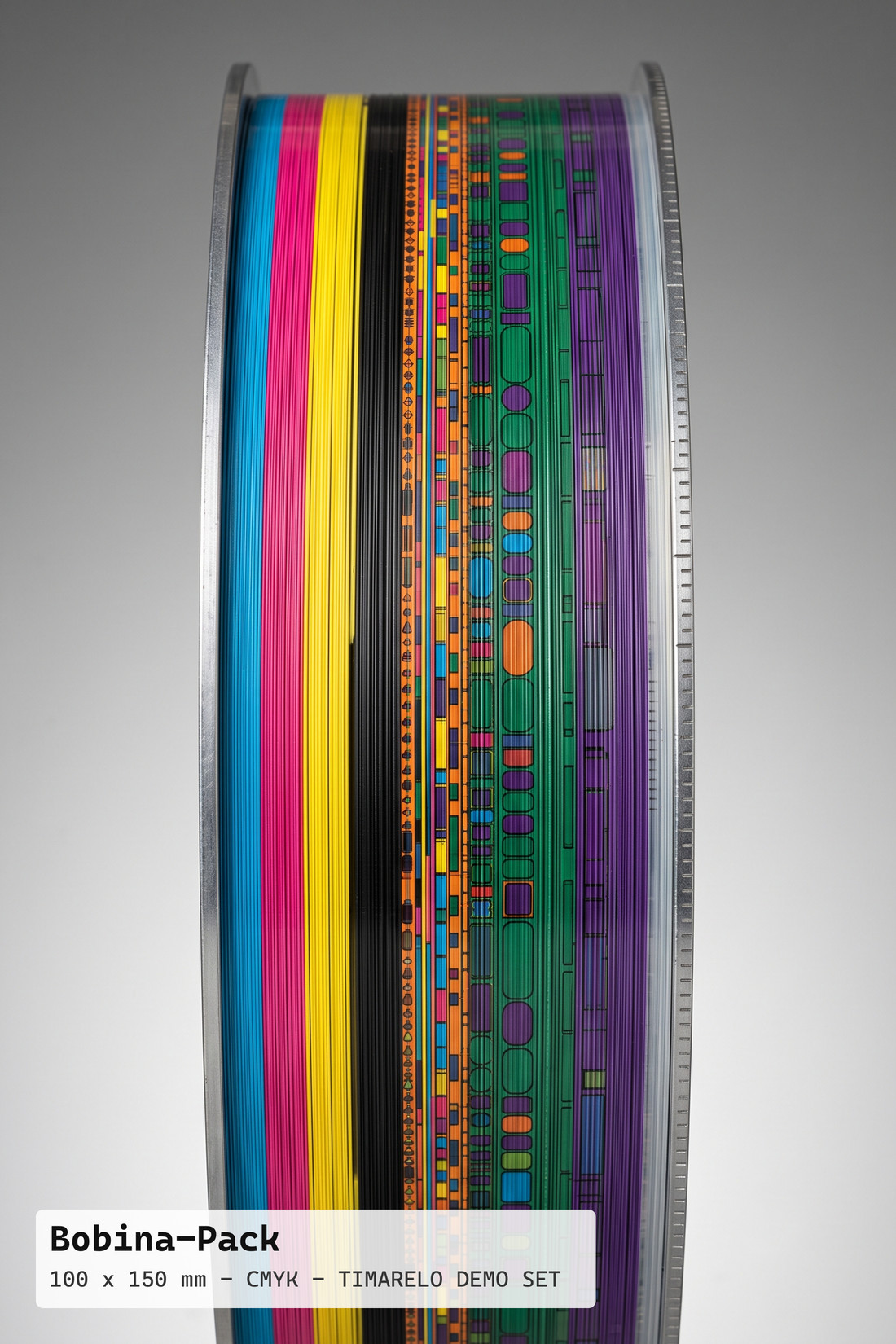
5 jobs, 22 separations: Bobina-Pack, Boreal-Stack (CMYK plus Orange and Green), Gemina-Duo, Mosaic-Petals, and Terra-Blocks.

The exact-pixel rule in action.
2000 dpi files that load on a 4000 dpi plate with exact 2x pixel doubling, and a 2400 dpi file that Timarelo refuses, with the reason shown.
Pixel-exact technical strips for your platesetter.
TestForm-2540 and TestForm-4000, each as a final 1-bit TIFF plus a matching vector PDF.
Ready-made .layout.json files that rebuild the demo plates.
Six layouts. They need the plate zips and the test forms unzipped as described in the README.
All TIFFs are 1-bit with G4 compression, exactly as a RIP delivers them. Each zip contains a README.txt with setup instructions.
Platforms. Native application for Windows and macOS, with the same feature set on both.
Input. 1-bit screened TIFF separations (G4 or LZW) and LEN (*.len) files from your RIP.
Output. One composite 1-bit TIFF for the platesetter, plus a verification report and a layout sidecar.
Hardware. No special graphics hardware is needed. Graphics acceleration is used when available, with identical results without it.
Units. Millimetres or inches throughout, remembered between sessions.
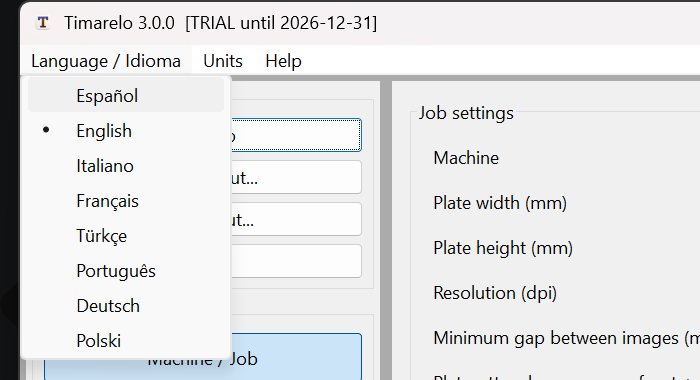
Languages. English, Spanish, Italian, French, Turkish, Portuguese, German, and Polish. Interface, manual, and licence agreement are all localized.
Help. A 12-chapter user manual is built into the application, together with a mouse and keyboard reference.
Network. Timarelo makes no network connection at all. It runs inside closed prepress networks.
Timarelo is licensed per computer with an offline licence file. Without a licence, every function works except export, so you can evaluate the complete workflow with the demo files above. Contact us for a trial licence or a quote.
Full ganging and verified export for the 1200 machine families and custom plates up to 1200 x 1200 mm.
Adds direct import of LEN (*.len) files, converted to TIFF on import.
Adds the 1600 and 2000 machine families and custom plates up to 1300 x 2100 mm.
Adds custom plate sizes up to 5000 x 5000 mm for special machines.
Ask for a trial licence, a quote, or a demonstration. Tell us which platesetter and which plate sizes you work with, and we will answer with the right configuration for you.
Please include the Timarelo version from the Help, About Timarelo window, what you observed, and where possible the file or the steps that reproduce it. We confirm receipt of your report, we investigate, and security corrections are supplied free of charge as a new download through the normal update path.